
Empty game list
Re-browse after an OS update
When Android updates, the old ISO path may no longer be readable. Open Games → Browse, pick the folder again, and confirm Settings → System → Memory stick directory still points at your PSP folder.
Community · Tips · Help
Grouped tips from recurring community questions: Android storage, black screens, CSO stutter, save-state crashes, and controller quirks. Paraphrased, not copied. Change one setting, then test the same game.
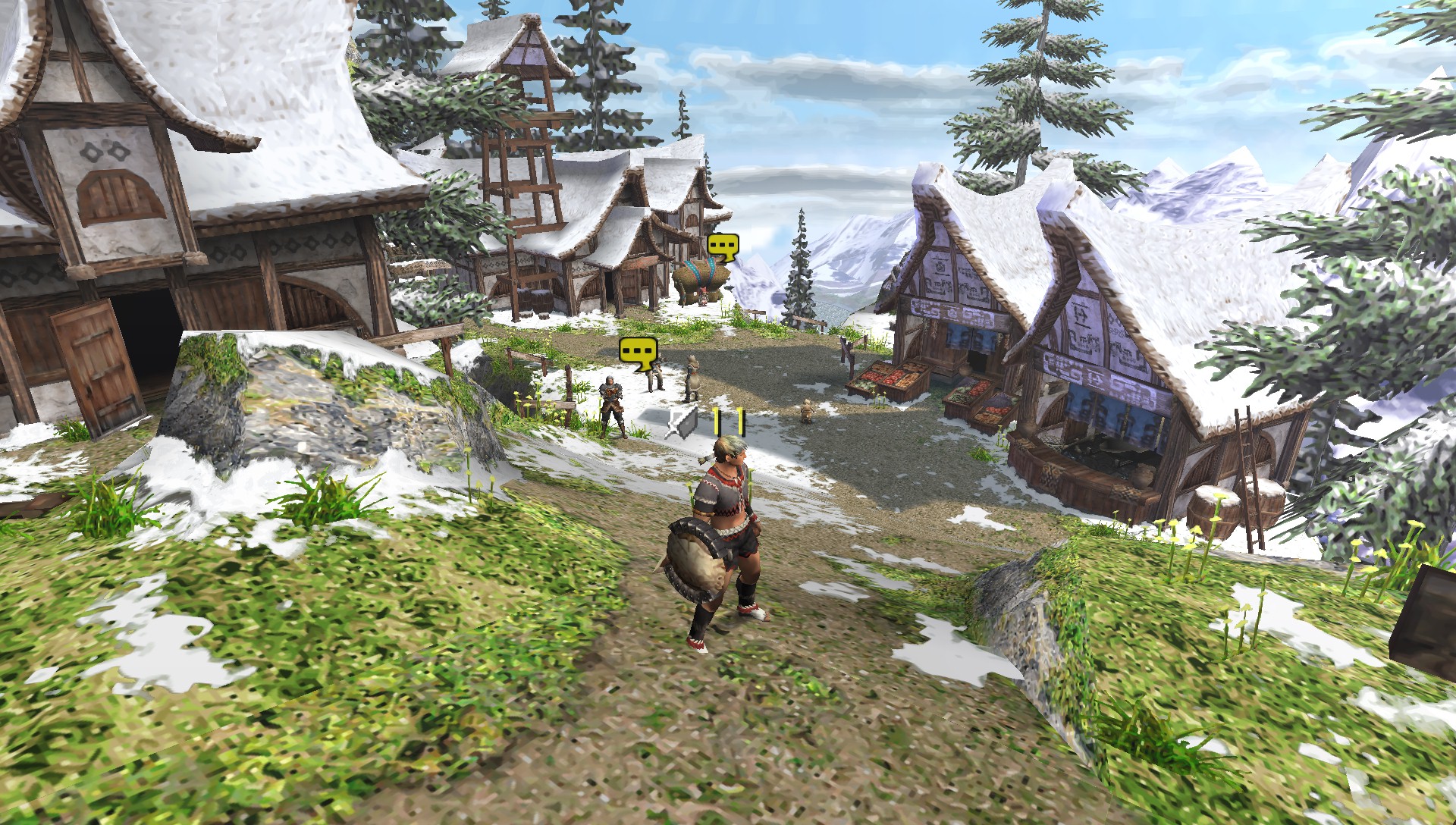
Scoped storage on Android 11+ is the root of many “my games vanished” and “saves take forever to load” posts. These tips come up repeatedly in support threads.
Empty game list
When Android updates, the old ISO path may no longer be readable. Open Games → Browse, pick the folder again, and confirm Settings → System → Memory stick directory still points at your PSP folder.
Slow save loading
After upgrading PPSSPP, some users report 5–10 second freezes when loading in-game saves. Re-selecting the memstick folder in system settings, keeping saves on internal storage while ISOs sit on SD, often drops that to about a second.
Cloud sync
Sync apps lock files mid-write and corrupt memstick saves. Local storage only for PSP/SAVEDATA. Copy backups manually when you need them elsewhere.
SD card
Reading large ISOs from a slow SD card is fine for gameplay, but saving to the same card can stutter. A common working layout: games on external SD, memstick on internal storage.
Vulkan
Do not raise resolution until a backend actually renders. On Mali and older Adreno drivers, OpenGL is the reliable fallback. Android TV in particular often needs OpenGL when Vulkan never draws the menu.
Resolution
4× internal resolution on a phone that cannot hold 60 FPS feels worse than 2× at full speed. Drop resolution before enabling frameskip or texture scaling hacks.
Missing effects
Games with shadows, gradients, or minigame transitions often look wrong when block transfer is off. Turn on buffered rendering and disable Skip buffer effects before blaming the ISO.
Purple textures
HD texture packs that do not match your PPSSPP version show magenta placeholders. Remove packs from PSP/TEXTURES or update them before chasing graphics backend bugs.
Progress
Save in the game’s own menu before relying on save states. States are version-locked and can fail silently after an update. Community advice: treat states as checkpoints, not archives.
Crashes
Some Android builds crash when creating a save state with Fast Memory on. Disabling it for that game only is a known workaround until the underlying bug is fixed.
Memory stick prompt
A few titles hang after you confirm the memstick prompt. Try a fresh memstick folder, clear per-game savedata from the game info menu, or use in-game saves instead of states for that campaign.
Undo
Loading the wrong slot overwrites without an undo buffer. Double-check the slot number before loading, especially after mapping a gamepad button to quick-save.
CSO
CSO is great for storage, but level-9 compression on open-world or racing titles causes random hitches. Recompress at a lower level or keep an ISO for problem games.
CHD
Older builds show a black screen or “failed to load” on CHD files. Update PPSSPP before converting your whole library.
Bad dump
Corrupt or truncated downloads cause crashes mid-game, not at boot. If CRC looks wrong compared to redump databases, re-dump or re-download from your own source.
Homebrew
Homebrew does not sit next to ISOs. Extract to PSP/GAME/TitleName/EBOOT.PBP on the memstick or it will not appear in the browser.
Rhythm games
When storage sleeps between songs, audio and timing drift. I/O on thread is the setting rhythm players mention most, not Multithreaded (experimental).
Latency
One step up in audio latency usually fixes Bluetooth crackle. Disable audio stretching if voices sound stretched or robotic.
Gamepad
Discord overlays, floating bubbles, and some screen recorders capture input before PPSSPP sees it. Close them, then remap in Settings → Controls.
On-screen
Hold on the overlay during gameplay to drag and scale buttons. Save a separate layout per game if portrait and landscape feel different on a phone.
Short summaries of what shows up often in public threads. Not endorsements. Test one change at a time.
Save in the game’s own menu. Save-state undo is off by default on Android, and overwriting a state slot from the wrong screen can wreck a session.
Leave Multithreaded (experimental) off unless you are testing. I/O on thread is the toggle people actually credit when storage sleeps mid-song in rhythm games.
If Vulkan black-screens on older Android, OpenGL is the boring fallback. Change backend before touching resolution.
Per-game settings override globals silently. If one title acts weird after you tuned others, open Game Settings → Restore game-specific settings before blaming the ISO.